By DAYO ADESULU
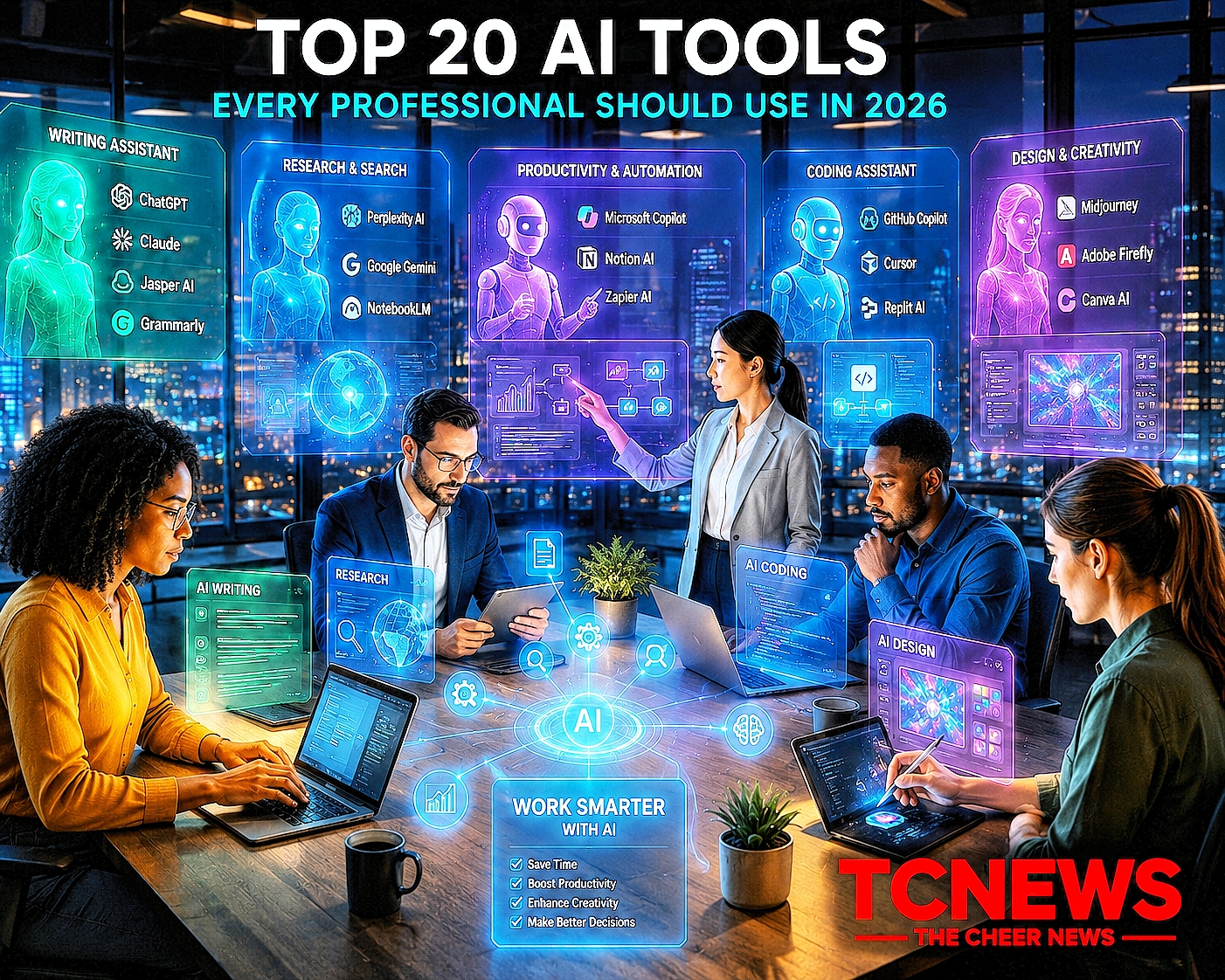
Top 20 AI Tools Every Professional Should Use in 2026
Artificial intelligence has evolved from a productivity booster into an essential workplace companion. Across industries, professionals are using AI to automate repetitive tasks, generate ideas, analyze data, write code, create presentations, edit videos, and improve customer engagement. What once required hours of manual effort can now often be completed in minutes with the right AI tools.
The rapid pace of innovation means new AI platforms appear almost every month. However, not every tool delivers the same value. Some excel at writing, others at programming, design, research, or workflow automation. For professionals seeking a competitive edge, choosing the right AI solutions can significantly improve efficiency and decision-making.
This guide explores 20 of the most influential AI tools in 2026, highlighting their strengths, ideal use cases, and how they are reshaping the modern workplace.
Why AI Tools Have Become Essential
Artificial intelligence is transforming nearly every profession.
Businesses are adopting AI to:
- Improve productivity
- Reduce operational costs
- Enhance creativity
- Accelerate research
- Automate repetitive work
- Improve customer experiences
- Support better decision-making
Employees who understand how to use AI tools effectively are increasingly becoming valuable assets in today’s digital economy.
1. ChatGPT
Best For
Writing, research, coding, brainstorming, education, business planning, and productivity.
OpenAI’s ChatGPT remains one of the most versatile AI assistants available. It helps professionals draft reports, summarize documents, generate ideas, write software code, analyze information, and automate everyday tasks. https://crediblenews.com.ng/quantum-computing-artificial-intelligence/
Strengths
- Excellent writing quality
- Strong reasoning
- Coding assistance
- AI agents and workflow automation
- Multimodal capabilities
2. Google Gemini
Best For
Research, productivity, Google Workspace, education, and multimodal tasks.
Gemini integrates seamlessly with Gmail, Docs, Sheets, Drive, and other Google services, making it an attractive choice for organizations already using Google’s ecosystem.
3. Claude
Best For
Long documents, legal analysis, policy research, and detailed writing.
Claude is widely recognized for handling extensive documents with clarity while emphasizing AI safety and thoughtful reasoning.
4. Microsoft Copilot
Best For
Office productivity, Excel, Word, PowerPoint, Teams, and enterprise collaboration.
Copilot helps professionals automate document creation, analyze spreadsheets, prepare presentations, and summarize meetings.
5. Perplexity AI
Best For
Research and fact-based information gathering.
Perplexity combines conversational AI tools with source citations, making it particularly useful for journalists, students, researchers, and business analysts.
6. GitHub Copilot
Best For
Software development.
GitHub Copilot assists developers by generating code, suggesting functions, identifying bugs, and explaining programming concepts.
7. Midjourney
Best For
High-quality AI artwork and creative design.
Designers, advertisers, and marketers use Midjourney to create stunning digital illustrations and concept art.
8. Adobe Firefly
Best For
Professional image editing and graphic design.
Firefly integrates AI directly into Adobe’s creative tools, helping users generate images, edit content, and streamline creative workflows.
9. Canva AI
Best For
Social media graphics, presentations, posters, and marketing materials.
Canva’s AI-powered design features make professional-quality graphics accessible even to users without graphic design experience.
10. Notion AI
Best For
Knowledge management and project documentation.
Notion AI helps summarize notes, organize projects, and generate content efficiently.
11. Grammarly AI
Best For
Grammar checking, editing, and professional writing.
It improves clarity, tone, and readability across emails, reports, and business documents.
12. Jasper AI
Best For
Marketing content and copywriting.
Jasper helps businesses create blogs, advertisements, product descriptions, and SEO content.
13. Runway
Best For
AI-powered video editing.
Content creators use Runway to edit videos, remove backgrounds, and generate visual effects.
14. Synthesia
Best For
AI-generated training videos.
Businesses use Synthesia to create multilingual training and educational videos using realistic AI presenters.
15. ElevenLabs
Best For
Voice generation and narration.
It produces natural-sounding speech for podcasts, audiobooks, educational content, and videos.
16. Zapier AI
Best For
Workflow automation.
Zapier connects hundreds of applications, allowing AI to automate repetitive business processes.
17. Cursor
Best For
AI-assisted software development.
Cursor combines an advanced code editor with AI-powered programming assistance.
18. Otter.ai
Best For
Meeting transcription.
Professionals use Otter.ai to generate searchable meeting notes and summaries.
19. Gamma
Best For
Presentation creation.
Gamma enables users to build visually appealing presentations using AI-generated layouts and content.
20. NotebookLM
Best For
Research and document analysis.
NotebookLM helps users analyze their own documents, summarize findings, and generate insights from trusted source material.
How to Choose the Right AI Tool
Before adopting an AI platform, professionals should consider:
- Primary use case
- Data security
- Integration with existing software
- Pricing
- Ease of use
- Collaboration features
- Enterprise support
The most effective AI solution depends on individual and organizational needs rather than popularity alone.
Recent Developments
AI tools continue to evolve rapidly, with developers introducing more capable reasoning models, multimodal features, AI agents, and enterprise integrations. Businesses are increasingly embedding AI into everyday workflows, enabling employees to automate tasks, analyze information more efficiently, and collaborate more effectively across departments.
Benefits of AI Tools
- Increased productivity
- Faster research
- Better collaboration
- Higher-quality content
- Improved creativity
- Enhanced decision-making
- Greater efficiency
Risks and Challenges of AI Tools
- Data privacy concerns
- AI-generated inaccuracies
- Copyright considerations
- Overreliance on automation
- Cybersecurity risks
- Need for human oversight
Expert Perspectives
Technology leaders generally agree that AI will become a standard workplace capability rather than a specialized tool. Organizations that invest in AI literacy and responsible adoption are expected to gain significant competitive advantages in the coming years.
Future Outlook
AI tools are expected to become more autonomous, personalized, and deeply integrated into business software. The next generation of AI assistants will increasingly complete complex workflows with minimal human intervention while collaborating seamlessly across multiple applications.
Why This Matters
Artificial intelligence is changing how professionals work across virtually every industry. Choosing the right AI tools can improve productivity, foster innovation, and create new opportunities for growth. However, successful adoption requires balancing automation with human expertise, ethics, and sound governance.
Frequently Asked Questions (FAQs)
Which AI tool is best overall?
There is no universal winner. The best tool depends on your profession, workflow, and specific tasks.
Which AI tool is best for writers?
ChatGPT, Claude, Jasper AI, and Grammarly AI are widely used for writing, editing, and content creation.
Which AI tool is best for designers?
Midjourney, Adobe Firefly, and Canva AI are among the leading choices for creative professionals.
Which AI tool is best for programmers?
GitHub Copilot and Cursor are popular among developers for coding assistance and debugging.
Are AI tools replacing professionals?
AI tools are primarily augmenting human capabilities by automating repetitive tasks and enhancing productivity rather than replacing skilled professionals entirely.
Conclusion
The rapid evolution of artificial intelligence has created an unprecedented range of tools that empower professionals to work smarter, faster, and more creatively. From writing and research to coding, design, automation, and communication, AI is becoming an indispensable part of the modern workplace. Those who embrace these technologies responsibly and continuously develop their AI skills will be better positioned to thrive in the digital economy.
Hashtags
#ArtificialIntelligence #AITools #ChatGPT #Gemini #ClaudeAI #Copilot #Productivity #FutureOfWork #Innovation #DigitalTransformation #Technology #TheCheerNews